All about product
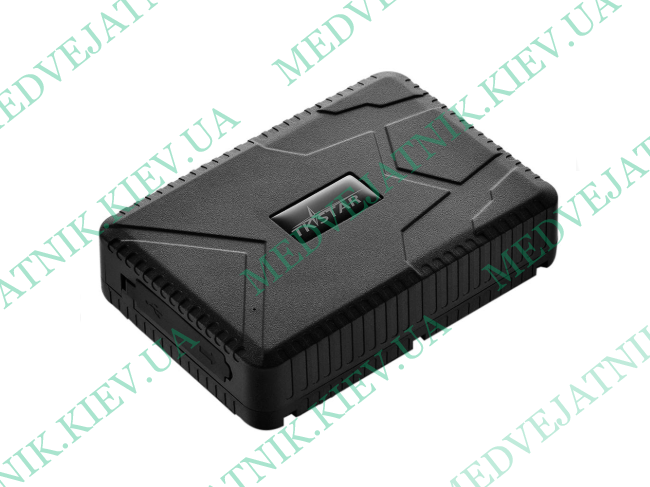
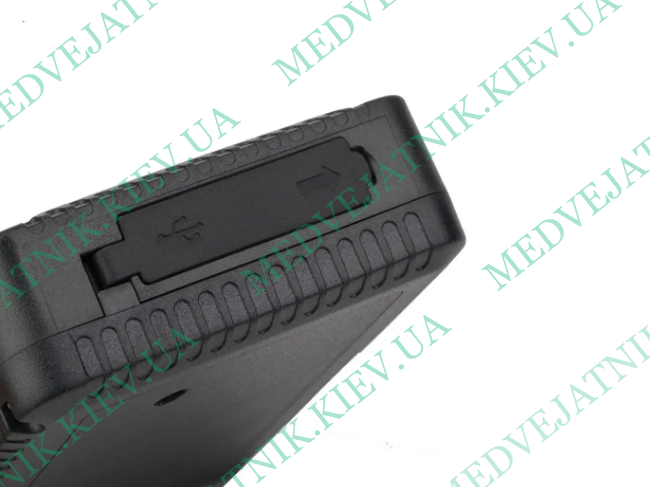
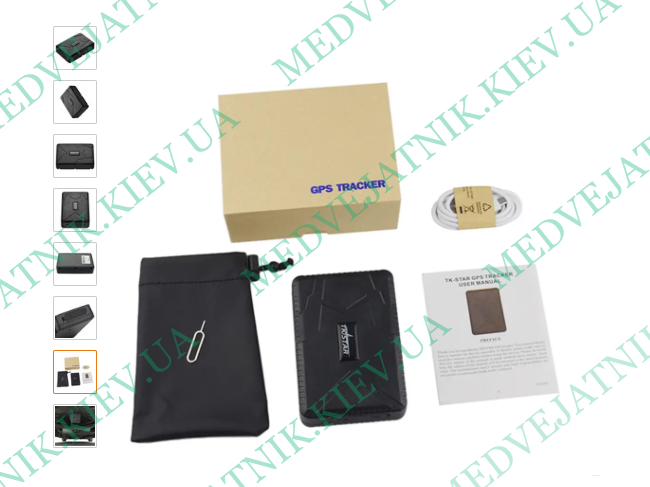
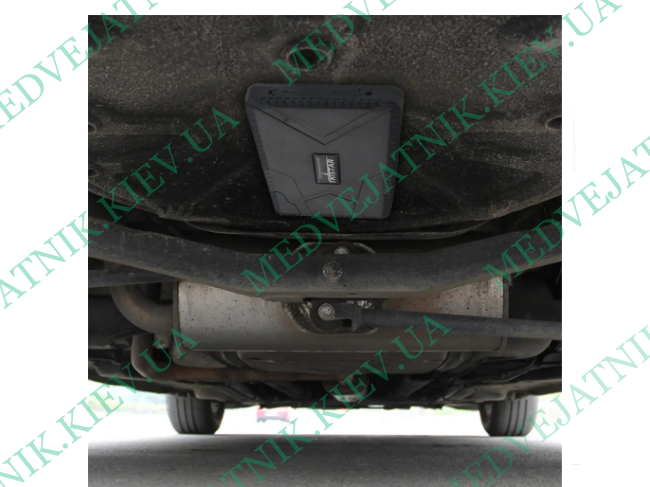


GPS/GSM Tracker
Specifications
Dimensions: 112x78x28mm
GSM/GPRS networks: 850/900/1800/1900 MHz
GPS accuracy: up to 5 meters
Antenna sensitivity: -159 dBm
Start-up time: 45 seconds cold start, 35 seconds warm start, 1 second hot start.
Battery: 3.7V 10000mAh
Battery life: approximately 7200 hours (up to 180 days)
Protection class: IP65
Weight: 320g
Setup
When the tracker is not configured, it only has one tracking function: SMS tracking. You can call from any number, and an SMS with the coordinates will be sent. The device operates as follows: when you insert a SIM card, the device turns on, the yellow LED lights up immediately (the GSM signal is established immediately), then the blue GPS LED. Once a connection with satellites is established, the blue LED will blink rapidly at long intervals. If you don't send commands or touch the tracker for five minutes, it automatically enters sleep mode (to save power), but the GSM signal remains active. After sending a command or with a slight touch or vibration, the tracker wakes up. There are three connection modes: cold (45 seconds), warm (35 seconds), and hot (1 second). When first launched, satellite acquisition will take about a minute, no more. With subsequent launches, the connection will be established within 5-30 seconds. Indoors, satellites are detected within 3-5 minutes. SMS coordinates with location are sent immediately after calling the tracker, provided the connection with satellites is established.
To fully unlock the device's functionality, you need to link a number. To link the tracker, send the command "admin123456+your phone number" to the SIM card inserted in it. You should then receive a response of "admin ok." The following information is sent in the SMS: latitude, longitude, speed, date/time, battery charge in %, ID, and a link to Google Maps. When the battery is low (below 30%), an SMS notification is sent. Use the command "timezone123456+timezone" to set the time. The light sensor is enabled by default after linking the number, and you will receive an SMS with the additional text "loosing alarm!". These messages will continue to arrive until you close the tracker. To disable this feature, send the command "noloosing123456," and you will receive the message "noloosing ok."
Other commands for working with the tracker:
Speed123456 070 (notification when a set speed is exceeded)
Shock123456 (alarm triggered by touch or vibration; do not touch for 5 minutes after turning on)
Loosing123456 (alarm triggered when the tracker is dropped or removed)
Sleep123456 time (switches to sleep mode for a set time)
Nosleep123456 (disables sleep mode and enables transmission mode)
Sleep123456 shock (sleep mode + any slight impact activates and sends an SMS alert)
Move123456 distance in meters (notification when the tracker moves beyond a set distance)
Monitor123456 (enables listening mode when calling the tracker)
Tracker123456 (enables coordinate transmission mode when Calling the tracker)
Gprs123456 (enabling GPRS)
Begin123456 (resetting settings)
Management
After setting up the tracker, select the service the device will use. There are a large number of such services, so you can choose any to suit your taste and preferences. The most popular is GPS Trace Orange, but you can also use the native Mytkstar service or the native Tkstar GPS app – it's very convenient and doesn't require any configuration. Simply enable GPRS by sending the command "gprs123456" and enter your device ID and password in the service. Once GPRS transmission is enabled, the connection indicators will blink alternately.
When you open the app, the main menu opens. At the top, you can see the tracker's number, status, and battery charge. The menu includes options for real-time tracking, saved routes, a list of saved areas (geofences), outgoing commands, device information, event messages, alarm settings, and exit. Recent events are displayed below the menu. Similar functions are available in the desktop service.
Real-time tracking is updated every 15 seconds (by default). At the top, information is displayed with the approximate location address: city, street, building number, and even postal code. Our exact location on the map (with an accuracy of up to 5 meters) is also displayed: tracker number, status, date/time, speed, and direction. You can also view your route in the saved routes menu. Select a specific date and time, then view your track, including your destination and speed. All movement history data is saved on the server for 90 days.
In the list of saved areas menu, you can create and save your own geofence for monitoring. Use the arrows to select the desired radius and save. You can create multiple control zones at once and save them under different names. The message menu will display the latest important events, for example, if we leave a zone or enter It also includes the light or vibration sensor alarm status and battery charge.
The outgoing commands essentially list all the functions that can be enabled/disabled just like SMS commands. The alarm settings section is purely an app setting. All enabled functions will also be notified in the app in various ways (sound, vibration, etc.).
--------
The approximate traffic consumption per hour was about 2 megabytes of GPRS data, not including the cost of SMS. Depending on how often you use it, you can subscribe to an SMS package, which will cost a certain amount per month (depending on your plan and operator). The app itself doesn't use much data unless you use maps frequently. Many of us have mobile data, and 5-10 megabytes per day is just a drop in the bucket.